Project Overview
Summary
Unity serves 15,000+ homeowners in Central California, but their tools were fragmented, outdated, and frustrating. We designed a mobile app from scratch to unify payments, requests, and community engagement.
Key Problems + Why They Mattered
Homeowners relied on multiple platforms creating confusion and no single source of truth.
Many requests required offline handling or long email threads. This increased operational overhead and delayed responses.
Once a request was submitted, homeowners couldn’t track progress. This caused frustration and unnecessary follow-ups, reducing trust in the HOA.
My Role
As the sole Product Designer, I led the project from concept to launch: defining the product experience, shaping the visual direction, and building a scalable design system.
Understanding the
User Journey
User Flows
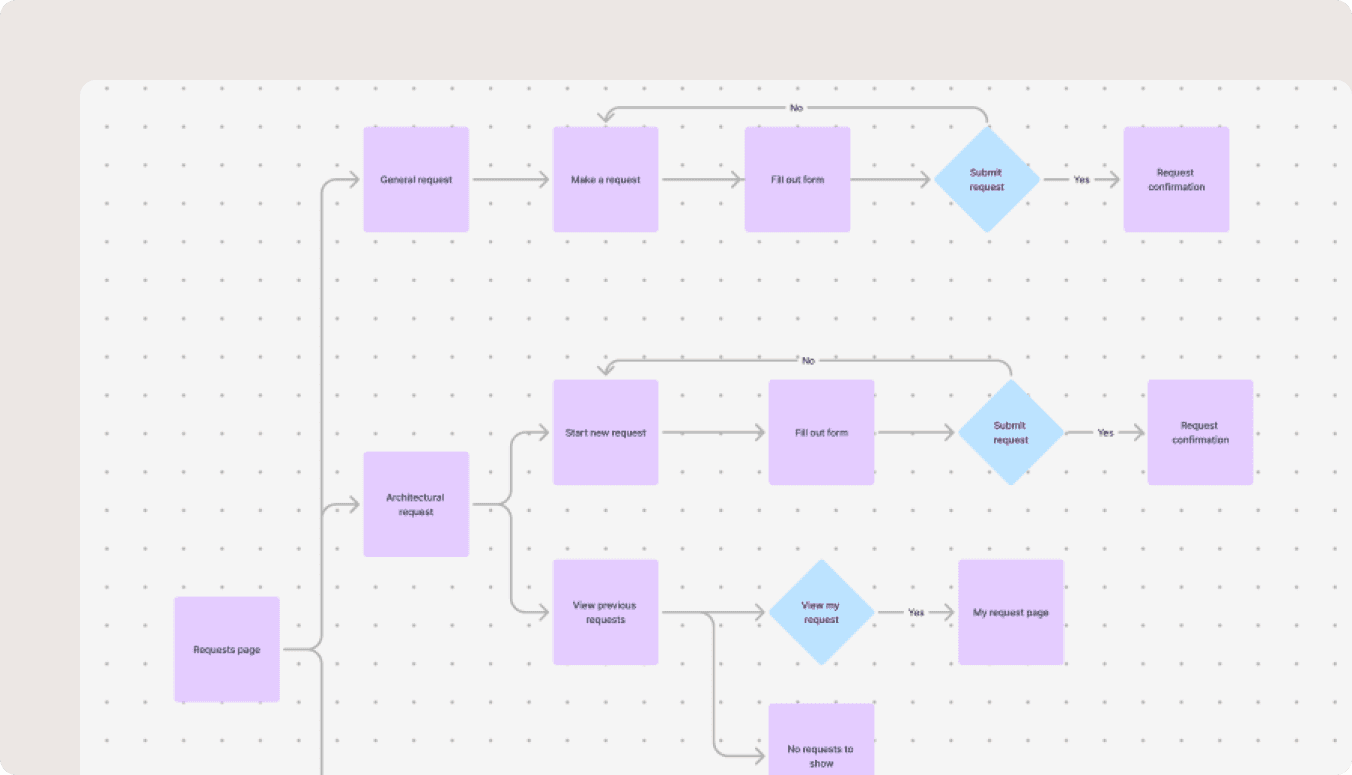
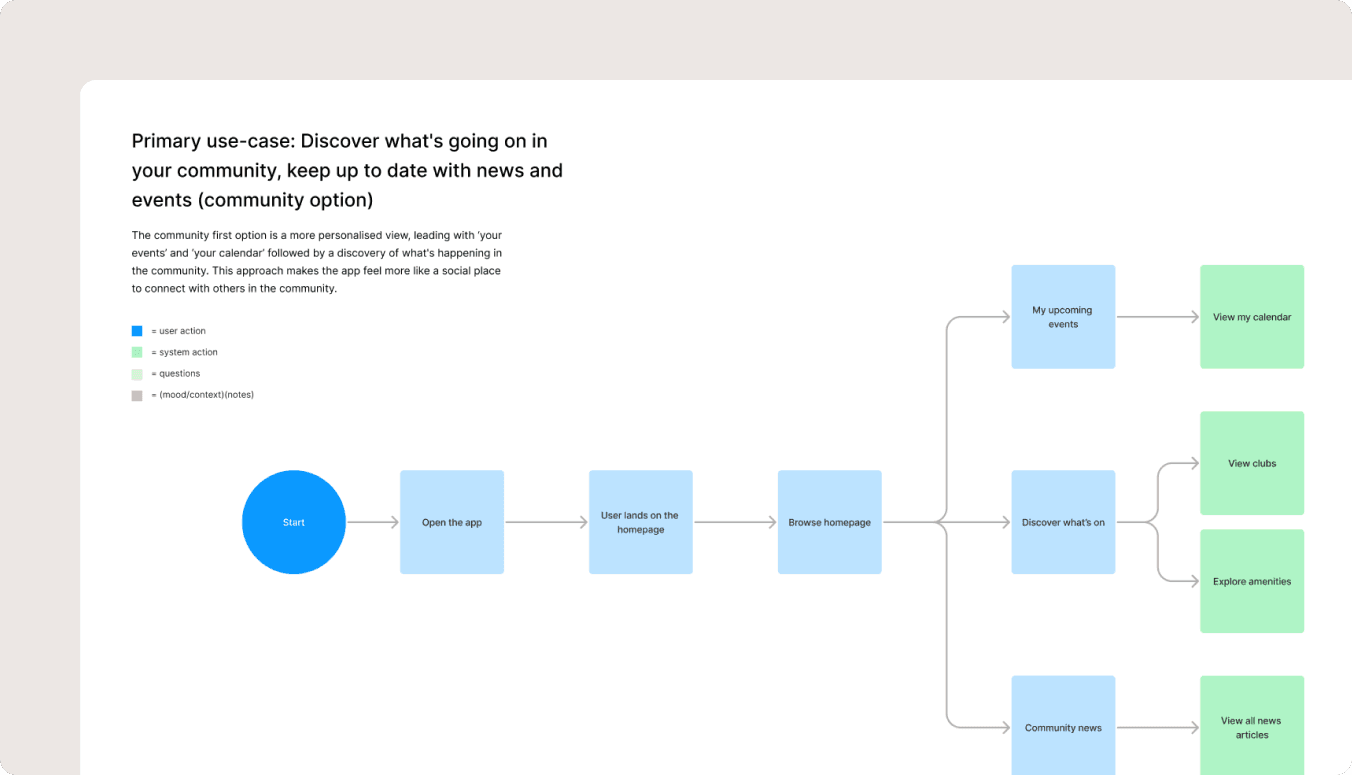
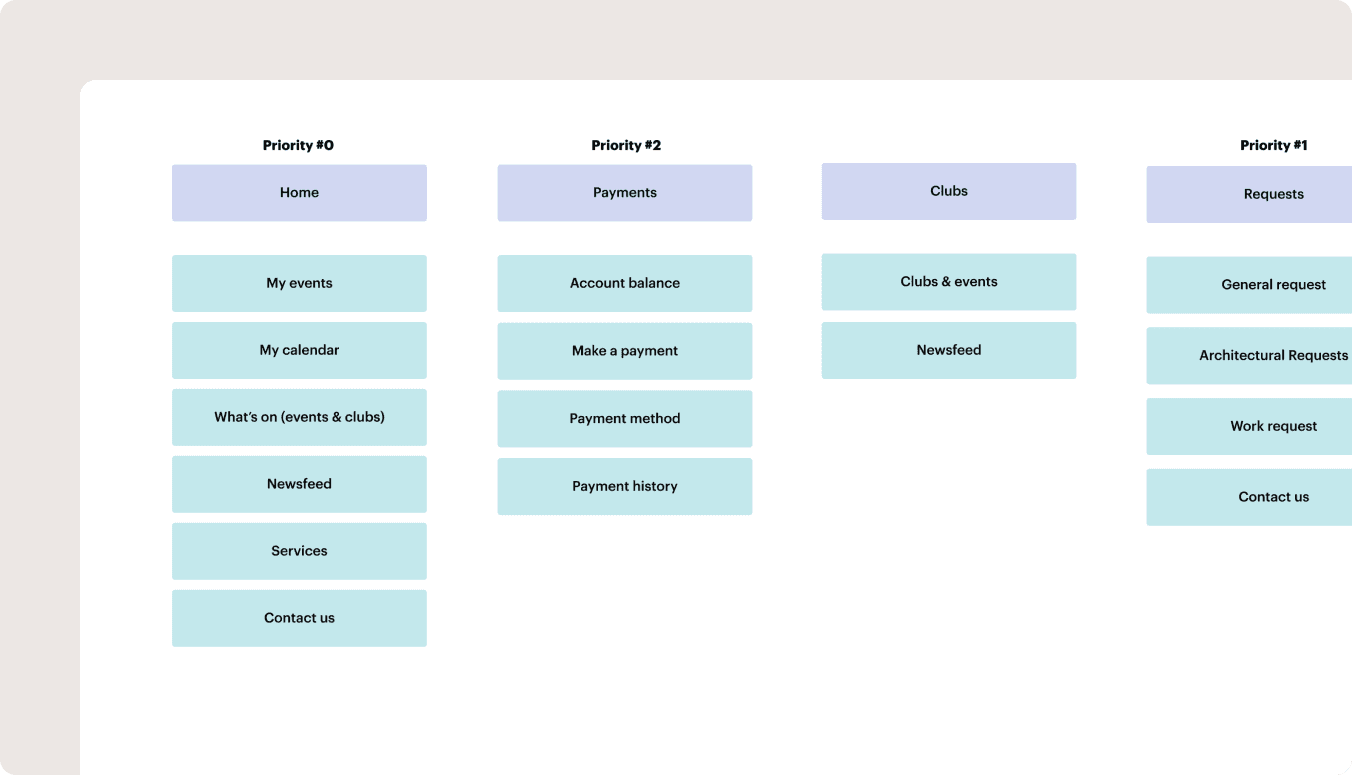
To ensure clarity and alignment, I worked closely with the team to understand the primary user goals and pain points. The core flows we prioritised were payments, submitting requests, browsing & joining clubs and engaging with community features.
Wireframes
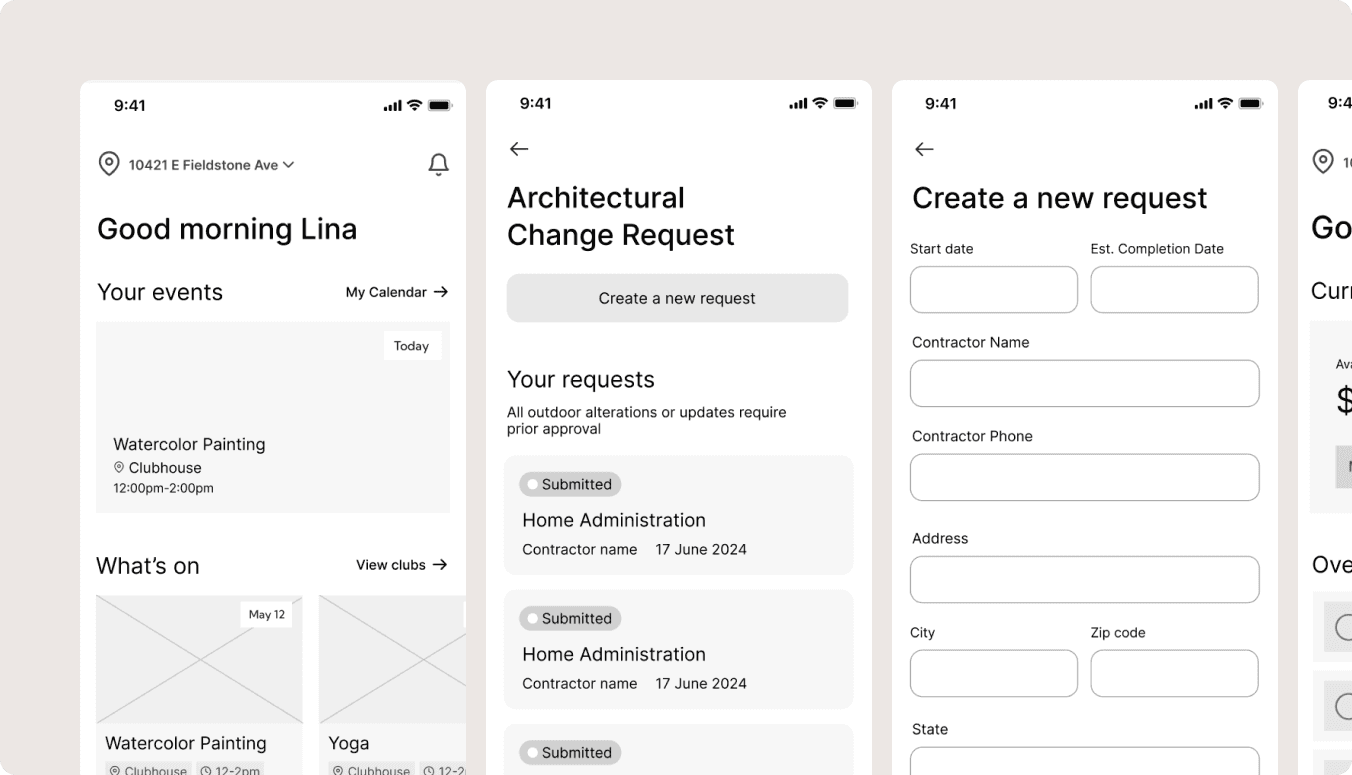
I developed wireframes to allow us to gather feedback early and refine the experience before moving into high-fidelity design.
Design System
Bespoke Component-based Design
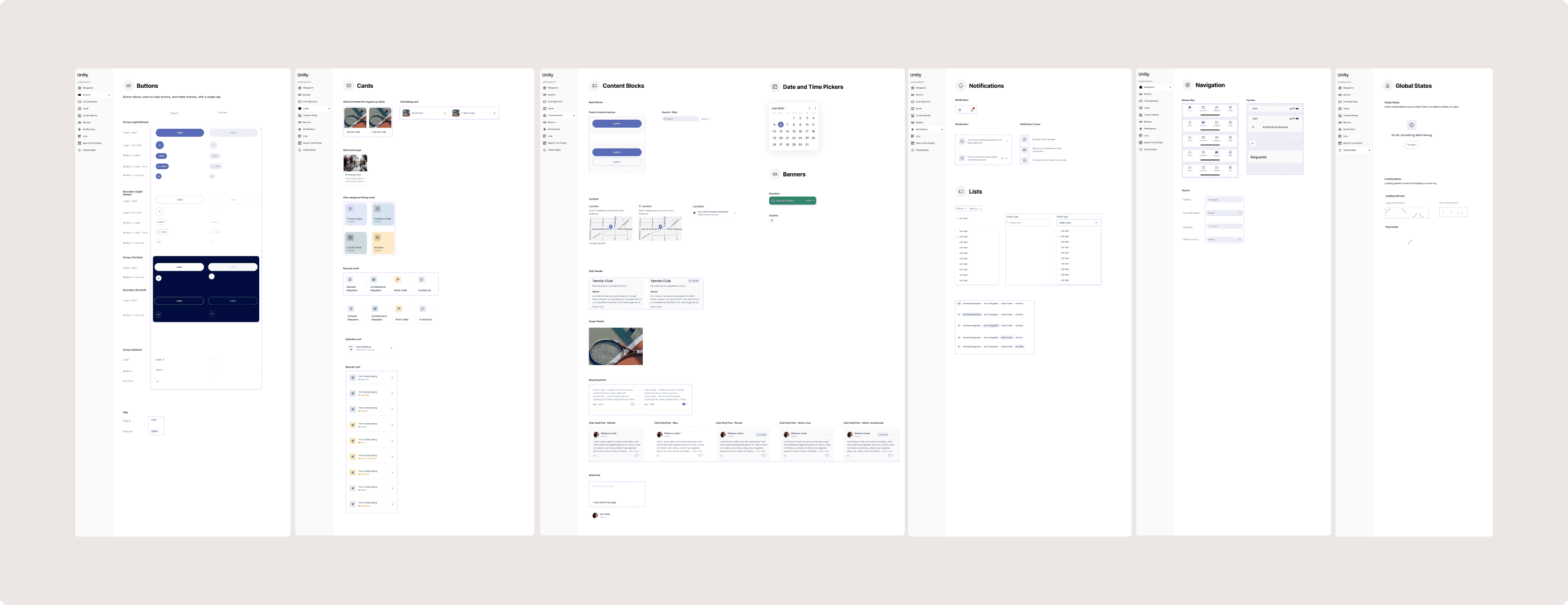
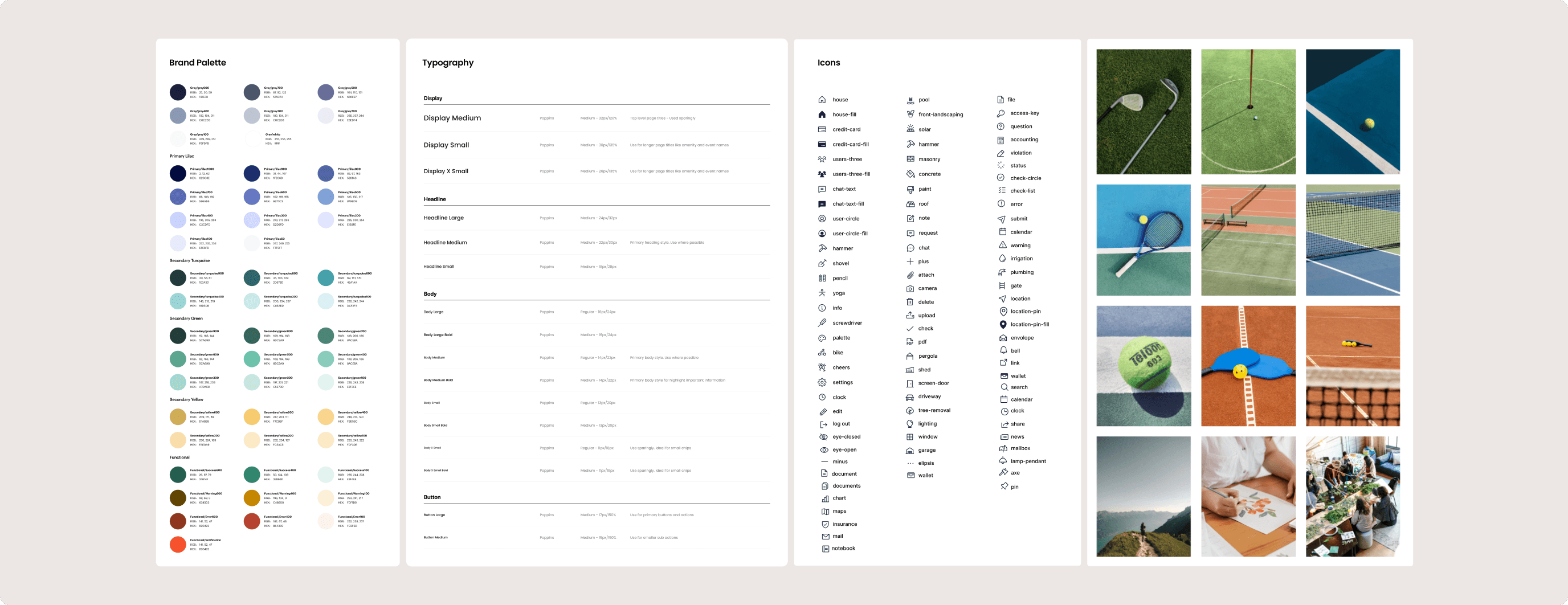
I created a bespoke, component-based design system. The system included reusable blocks, consistent typography scales, accessible colour standards, and clear spacing rules.
Connected User Flows
Mapping Screens and Interactions
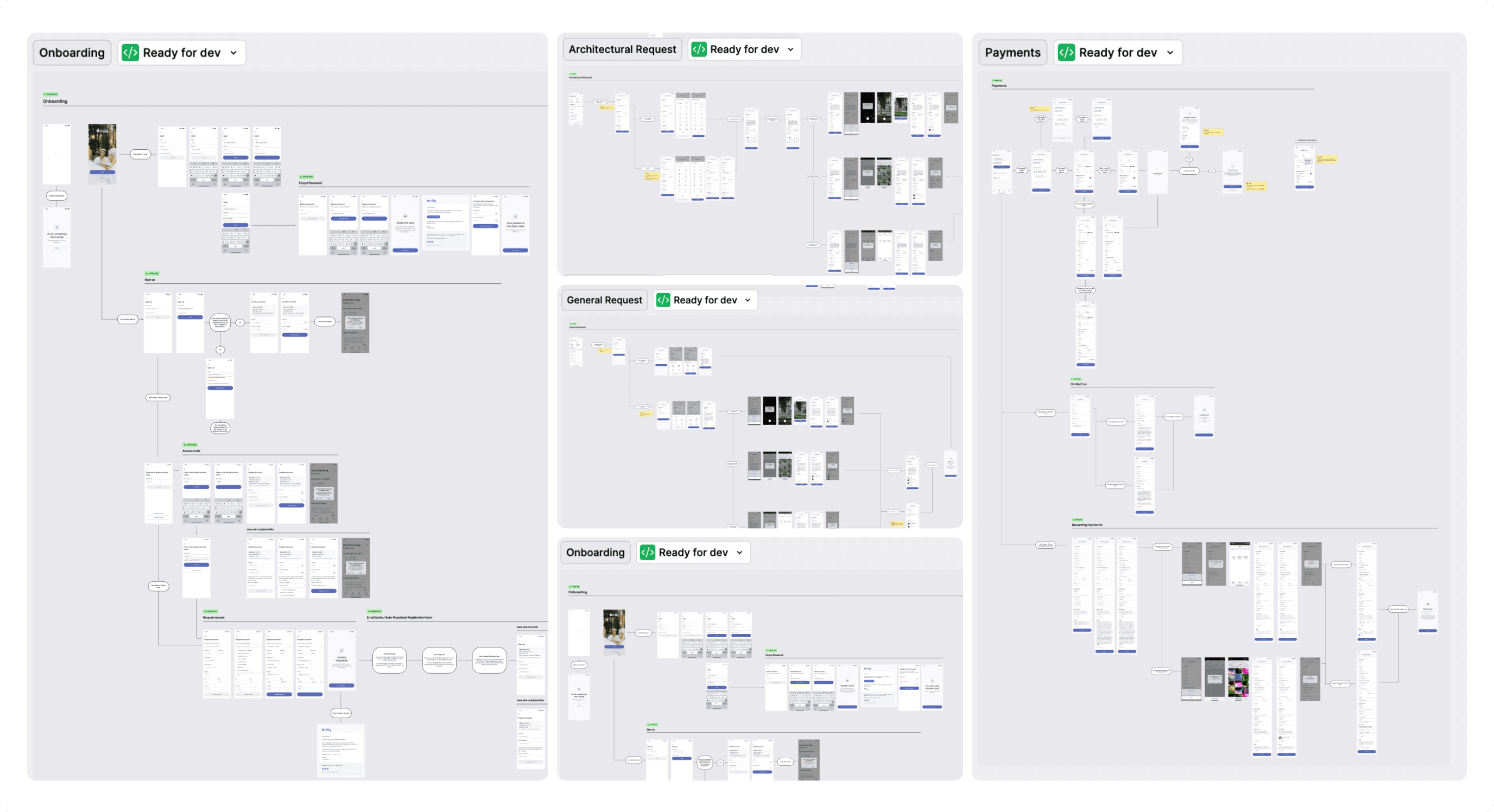
I designed connected, end-to-end flows that mapped each screen and interaction, clearly communicating how users move through the app and ensuring developers could implement the experience accurately.
Key Features &
Design Decisions
Unified Experience
Centralised requests, payments, and events in one place, so users can track and manage everything without switching platforms.
Simple & Intuitive
Every screen was intentionally streamlined to reduce cognitive load, making it easy for homeowners of all ages to navigate and complete tasks.
Community-First Approach
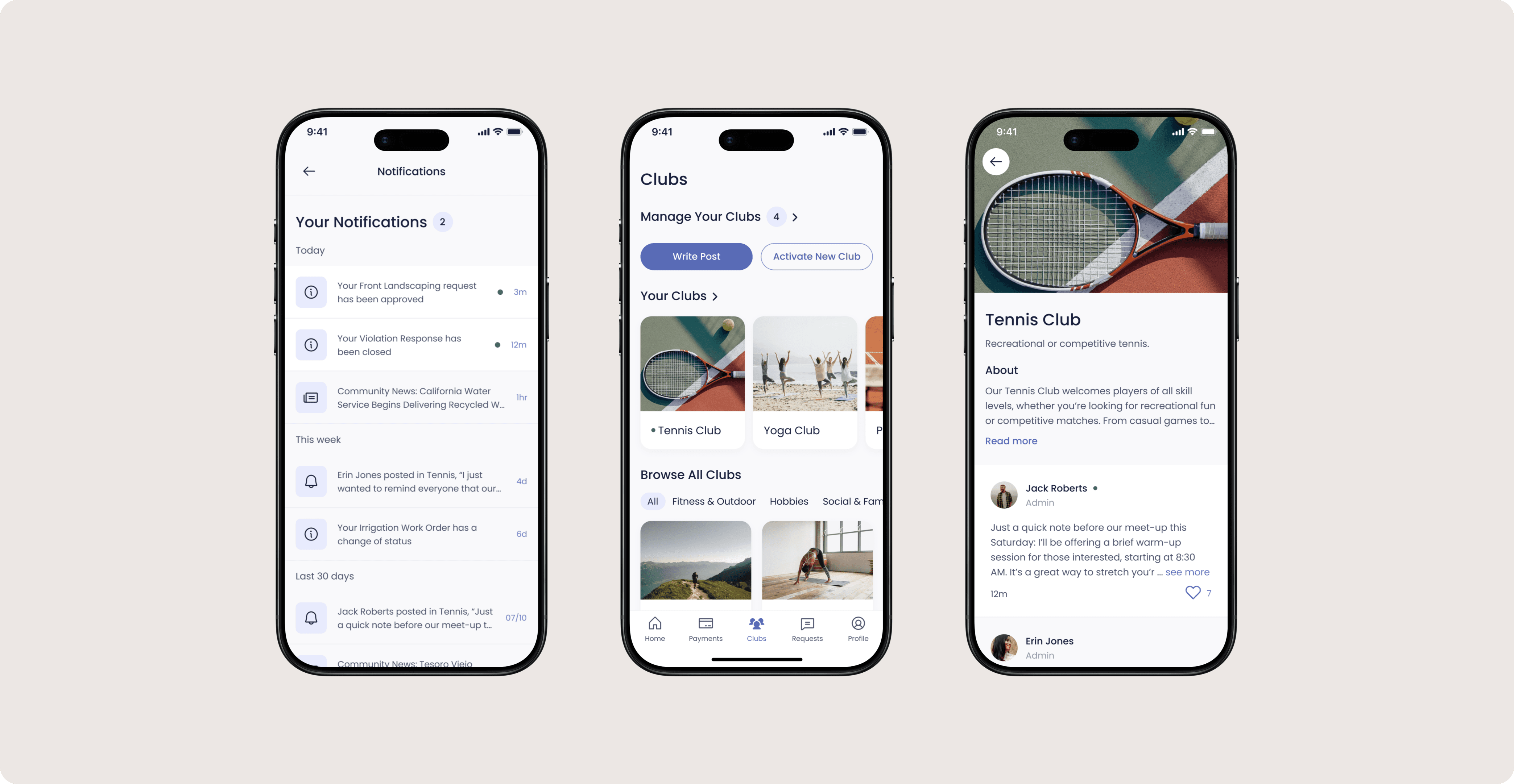
Positioned clubs and social features as core elements, turning the app from a transactional tool into a space that fosters engagement and connection.
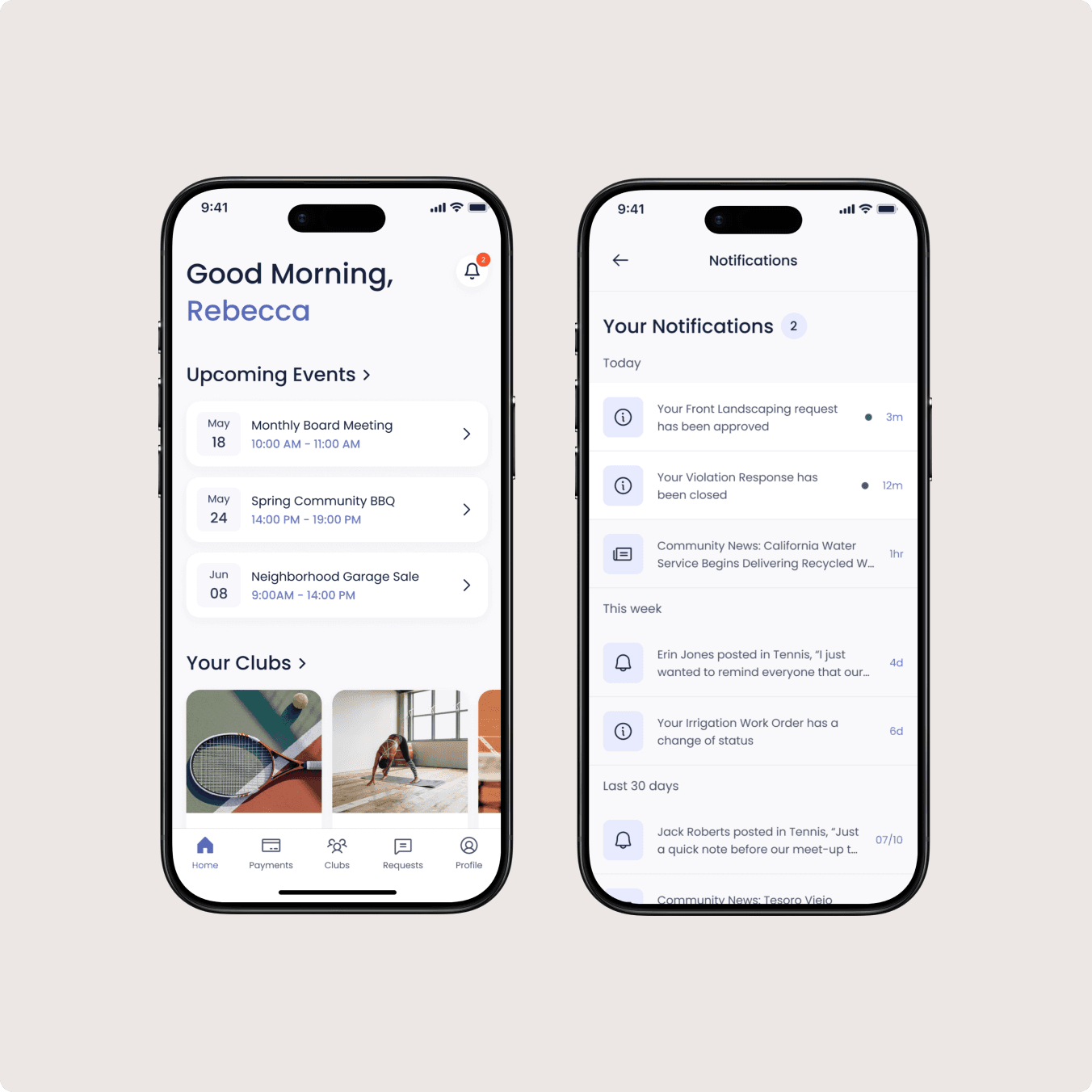
Homepage
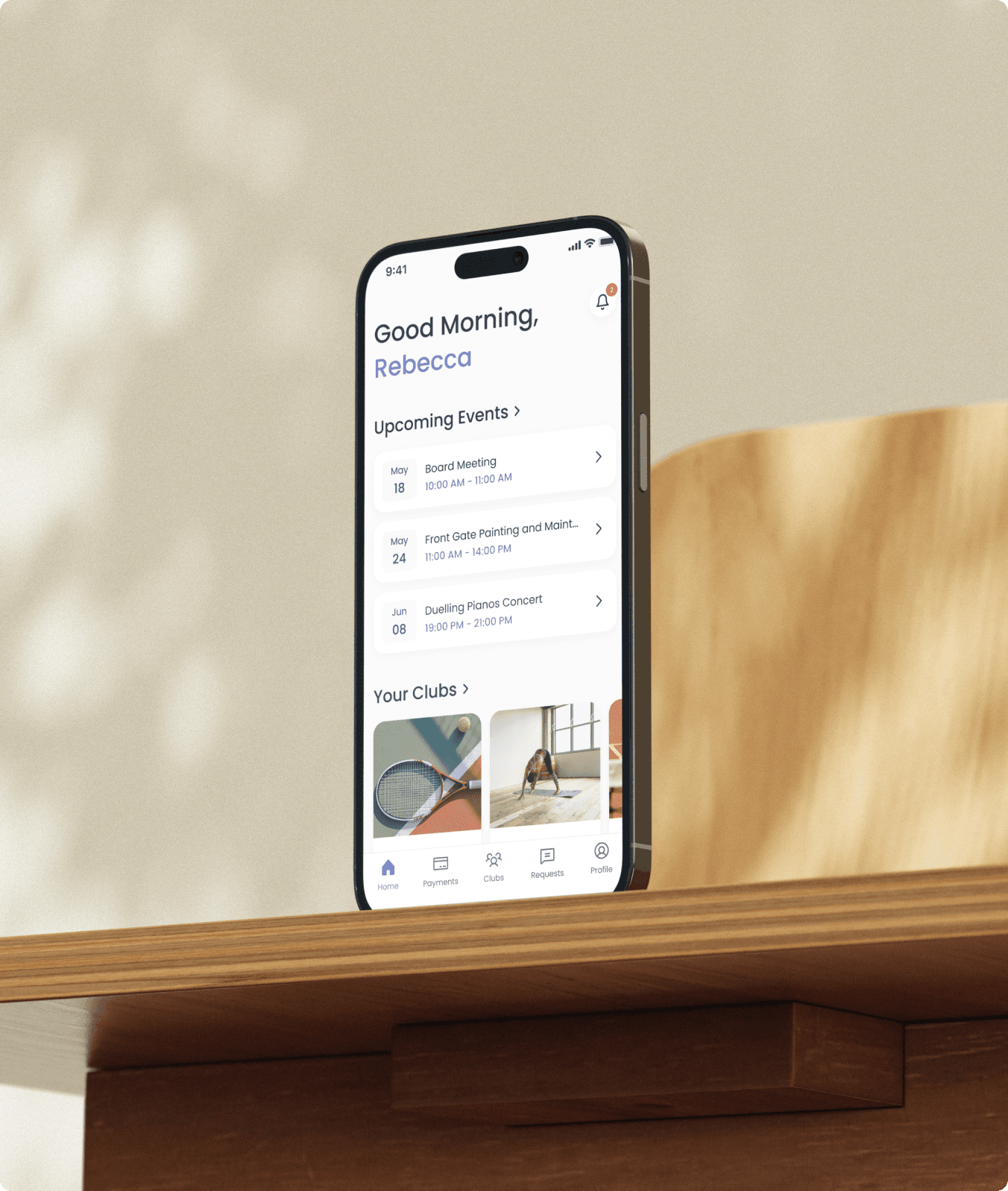
Homeowners can quickly browse clubs, view local news, and see updates related to their HOA. Request statuses are surfaced clearly so users do not have to search for information or follow up via email.
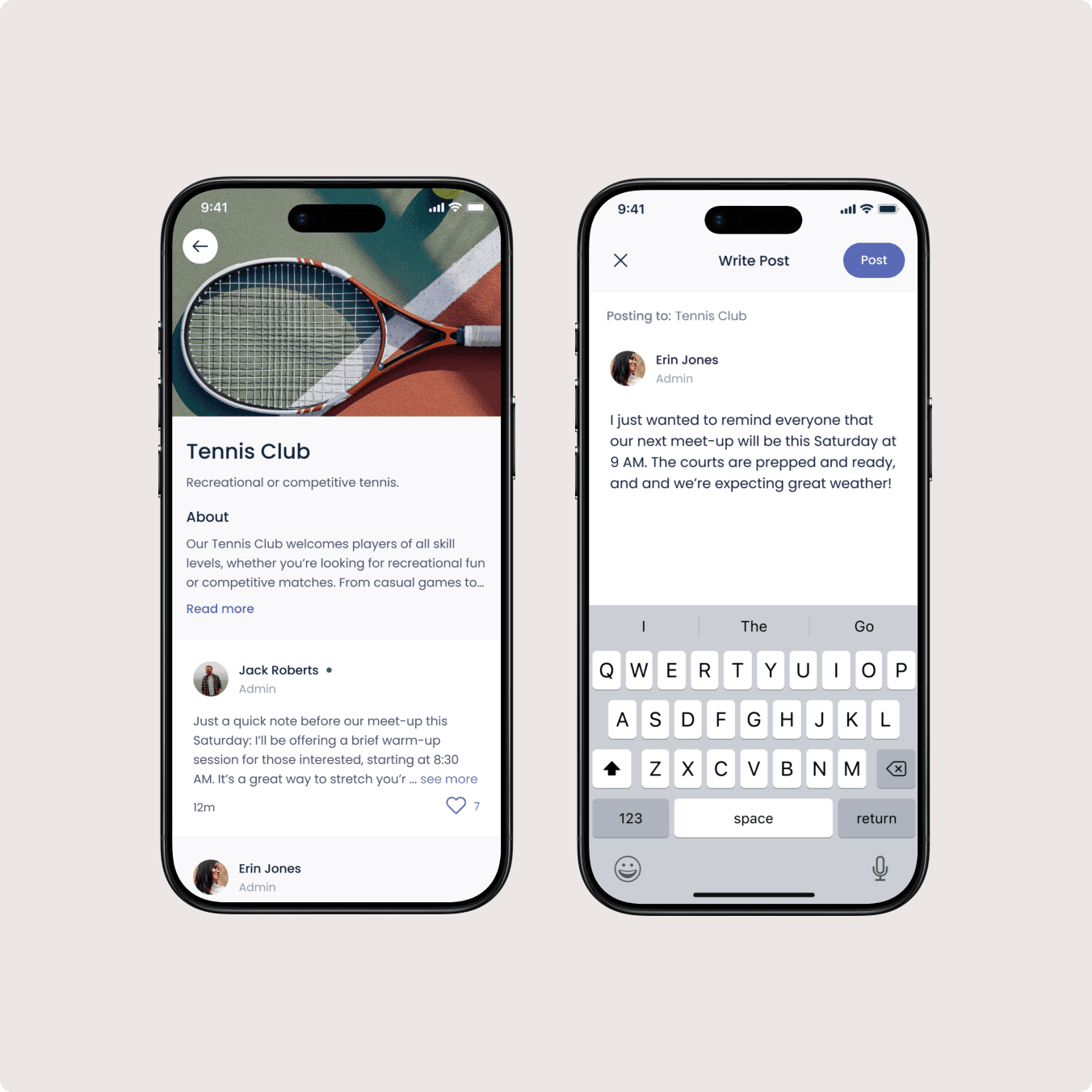
Clubs
We intentionally prioritised the Clubs feature to reinforce that Unity is not just managing properties, it is supporting communities. Designing this feature early in the product lifecycle signalled a strategic shift toward engagement and connection.
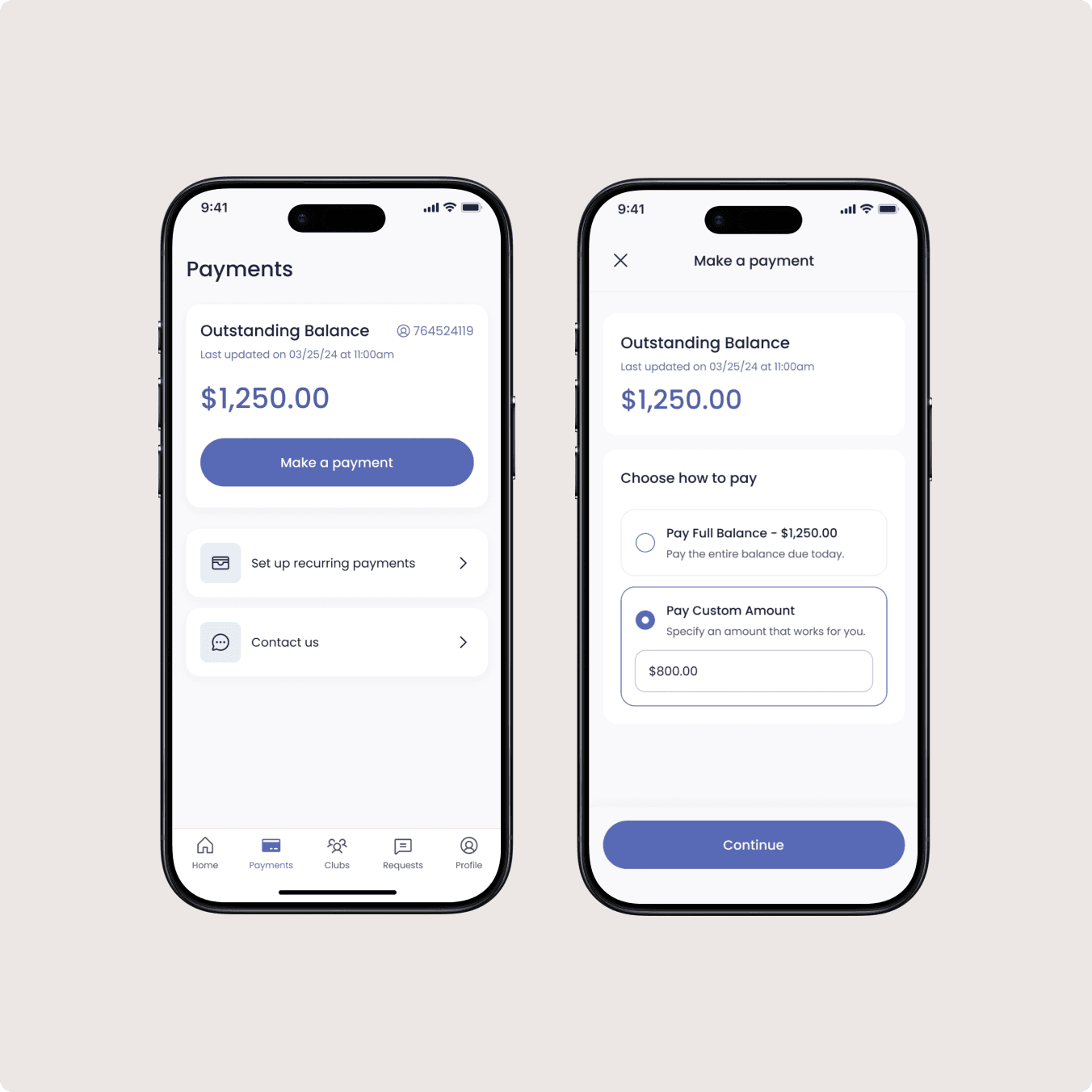
Payments
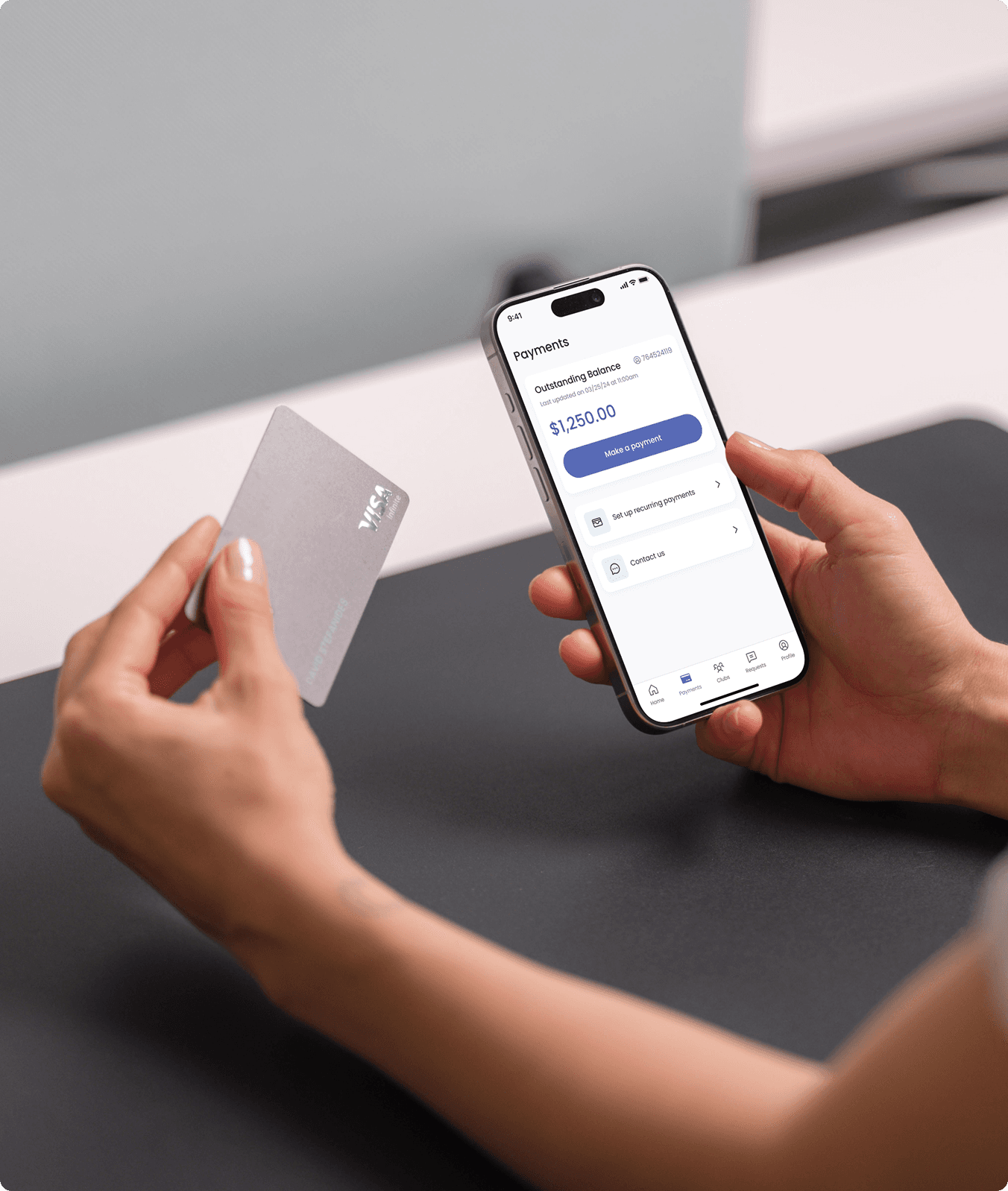
By allowing homeowners to pay directly within the app, we streamlined what was previously a fragmented process. Members can easily track past payments, see outstanding balances, and set up recurring payments.
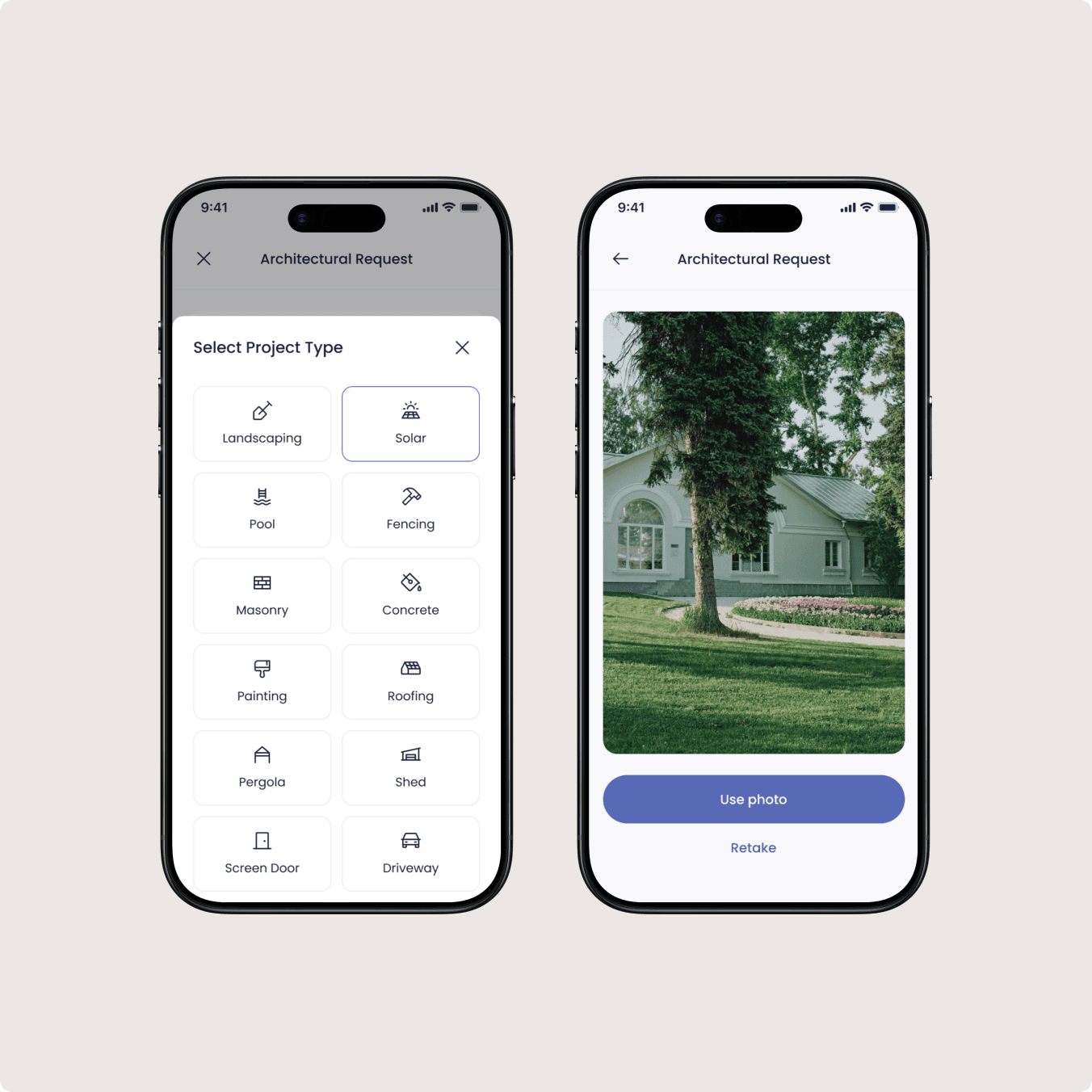
Making a Request
Members can submit architectural requests, work orders, and general inquiries through guided forms. One of the biggest improvements was allowing members to track the progress of their submissions. Instead of feeling like requests disappear into a system, homeowners have visibility into updates.
Profile & Settings
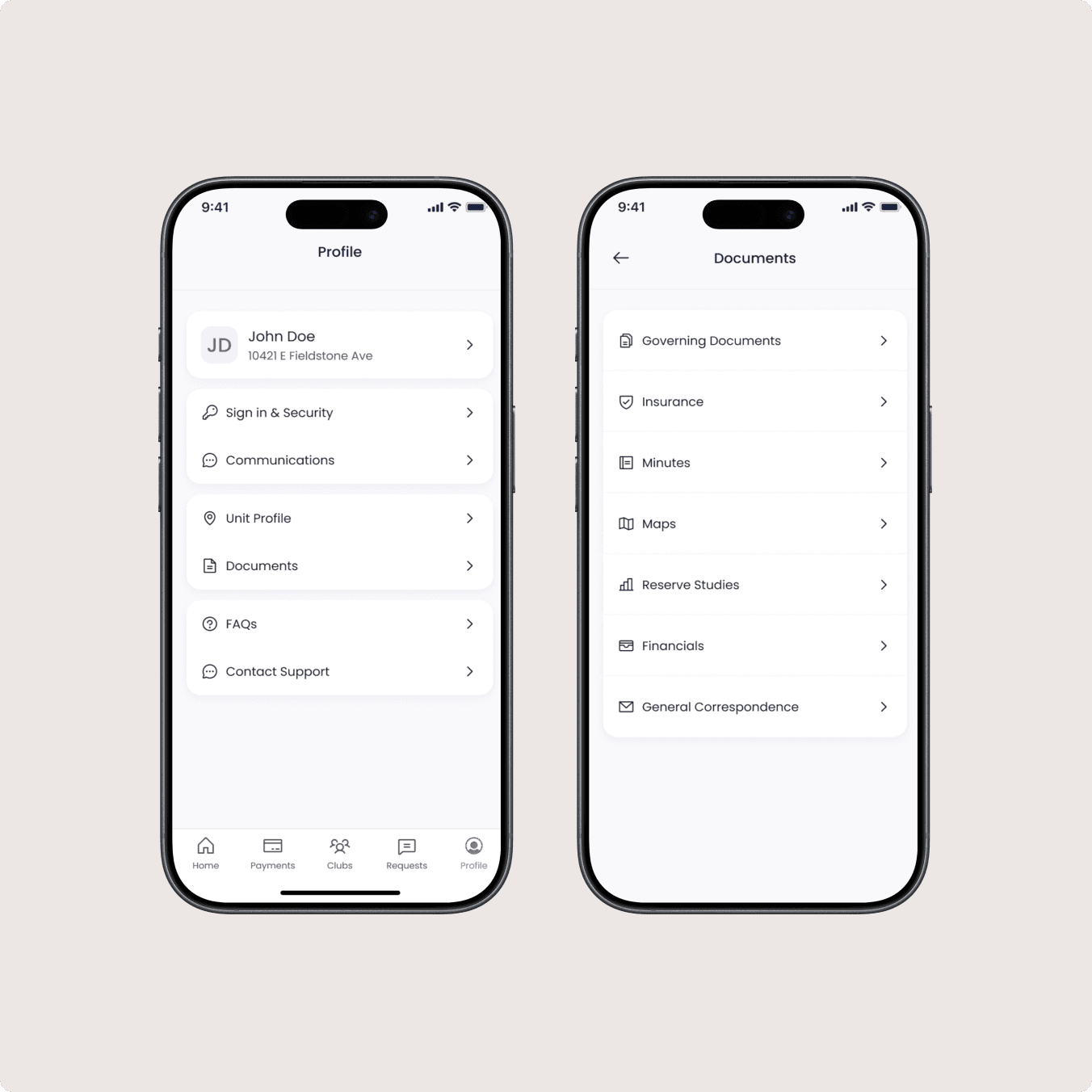
Designed for simplicity and control, the Profile & Settings section lets homeowners easily update personal information, manage notifications, and customise preferences.
Reflections & Next Steps
While the app established a strong foundation for managing payments, requests, and community engagement, future iterations could introduce unique branding for each HOA. Allowing communities to tailor the visual identity would create a more personalised experience.